

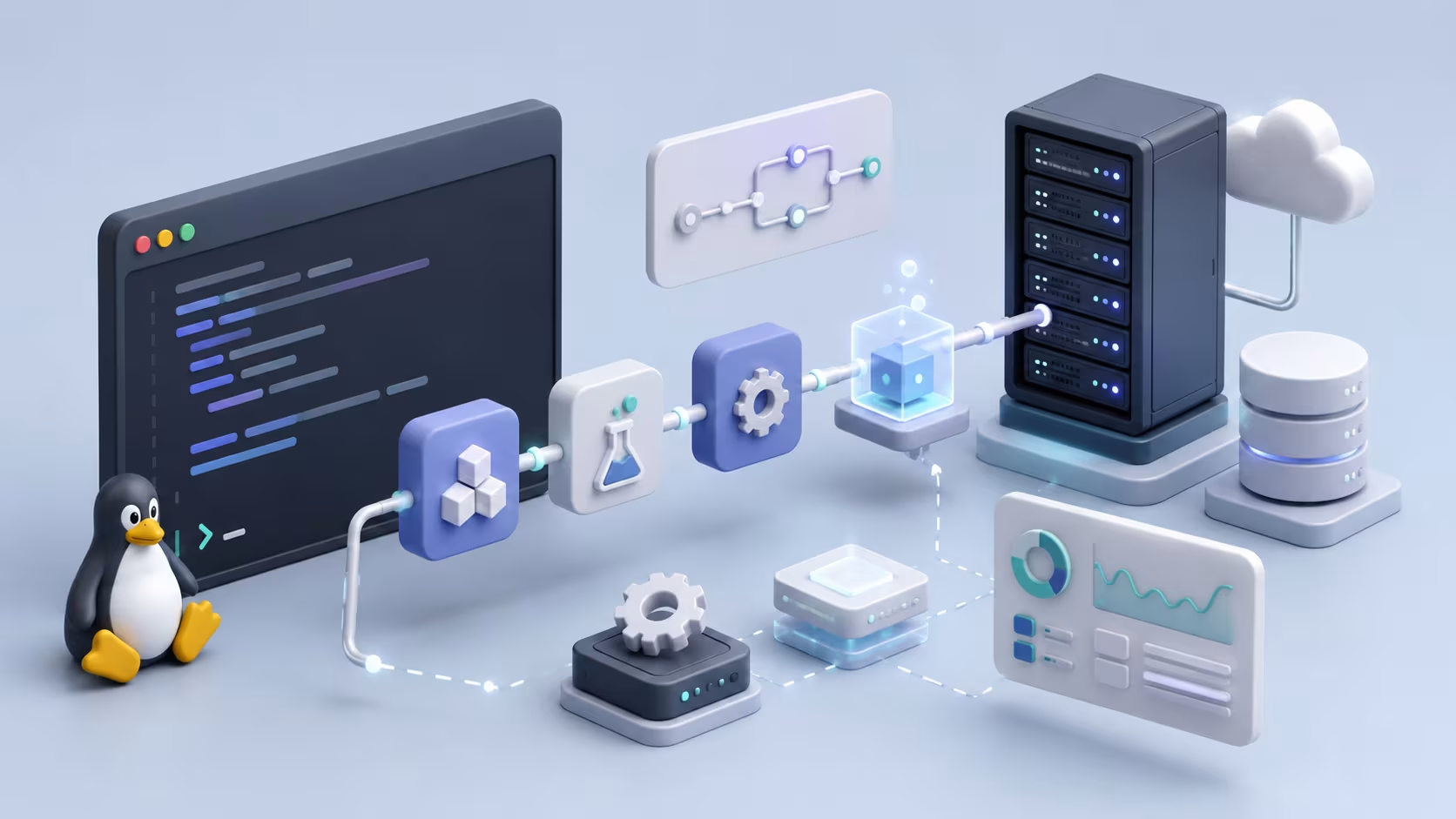
"Benim makinemde çalışıyordu" cümlesi yazılım ekiplerinin en çok duyduğu şikâyetlerden biri. CI/CD pipeline'ları tam olarak bu sorunu ortadan kaldırmak için var: kodu test edip paketleyip canlıya taşıyan süreci, insan hatasına açık manuel adımlardan çıkarıp otomatikleştiriyor. Linux sunucuları, açık kaynak araç ekosistemi ve güçlü betik yetenekleri sayesinde bu pipeline'ları çalıştırmak için en çok tercih edilen platform.
Bu rehberde GitHub Actions ve GitLab CI ile gerçek bir pipeline tanımını, Docker entegrasyonunu, dağıtım stratejilerini ve pipeline güvenliğini ele alıyorum. Örnekler kopyalayıp uyarlayabileceğiniz YAML dosyaları; Jenkins gibi daha eski araçlara da değiniyorum ama odak modern, kod olarak tanımlanan pipeline'larda.
CI ve CD Arasındaki Fark
Sürekli Entegrasyon (CI), geliştiricilerin kodu sık sık merkezi bir depoda birleştirmesi ve her birleştirmede otomatik testlerin çalıştırılması anlamına gelir. Bu süreç hataları erken yakalar. Bir değişiklik diğerlerinin çalışmasını bozduğunda sorun anında ortaya çıkar ve düzeltme maliyeti düşük kalır. Sürekli Dağıtım (CD) ise testlerden geçen kodun otomatik olarak üretime taşınmasıdır.
Sürekli Teslimat (Continuous Delivery), CD'nin bir alt kümesi olarak düşünülebilir: kod her an dağıtıma hazırdır ama son onay hâlâ manuel bir tuşla verilir. Tam Sürekli Dağıtımda ise bu son adım da otomatikleşir. Küçük ekipler genelde teslimattan başlayıp zamanla tam otomasyona geçer. Güven inşa etmek zaman aldığı için bu geçiş kademeli ilerler.
Jenkins, bu alanın en eski ve en esnek araçlarından biri. Geniş eklenti ekosistemi sayesinde neredeyse her iş akışına uyarlanabilir ve kendi sunucunuzda tam kontrol sağlar. GitHub Actions ve GitLab CI gibi modern platformlar ise pipeline tanımını doğrudan kod deposunun içinde tutar; bu yaklaşım, Jenkins'in ayrı bir yapılandırma arayüzünde tuttuğu ayarlara göre daha izlenebilir ve sürüm kontrollüdür.
Basit Bir GitHub Actions Pipeline'ı
GitHub Actions, pipeline tanımını depo içinde .github/workflows/ klasöründe YAML dosyası olarak saklar; bu yaklaşım "pipeline as code" olarak bilinir. Test ve derleme aşamalarını içeren basit bir örnek:
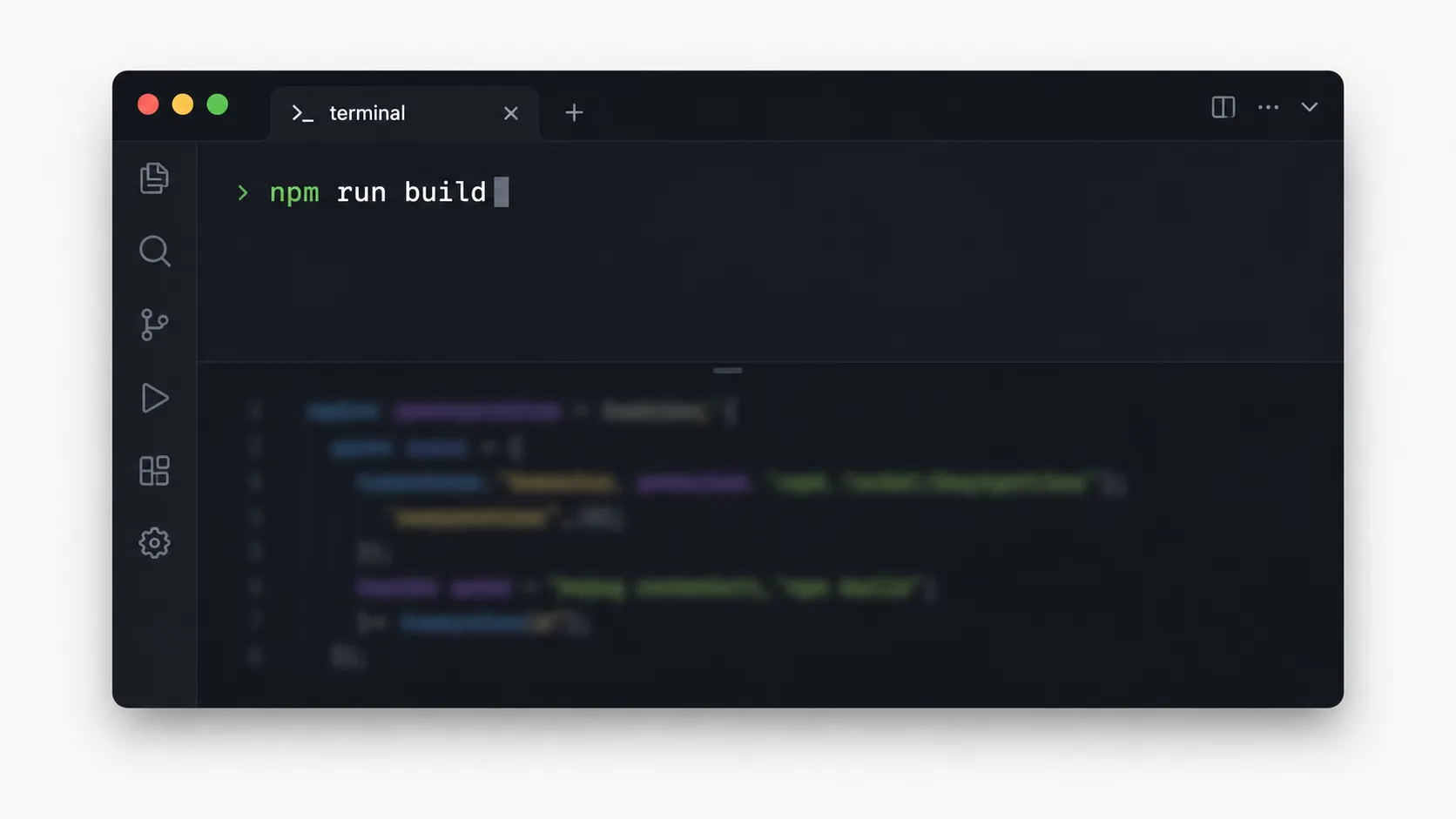
name: CI Pipeline
on:
  push:
    branches: [main]

jobs:
  build-and-test:
    runs-on: ubuntu-latest
    steps:
      - uses: actions/checkout@v4
      - name: Bağımlılıkları kur
        run: npm install
      - name: Testleri çalıştır
        run: npm test
      - name: Derle
        run: npm run build
on.push.branches bölümü, pipeline'ın hangi dala yapılan push işleminde tetikleneceğini belirler. runs-on ise işin hangi işletim sistemi imajında çalışacağını belirtir; ubuntu-latest en yaygın tercih. Testlerden biri başarısız olduğunda pipeline durur ve hatalı kodun ilerlemesini engeller.
Pull request'lerde de pipeline'ı tetiklemek isterseniz on bloğuna pull_request ekleyebilirsiniz; bu, kodun ana dala birleşmeden önce testlerden geçtiğini garanti eder:
on:
  push:
    branches: [main]
  pull_request:
    branches: [main]
Bu küçük ekleme, hatalı bir değişikliğin main dalına hiç ulaşmamasını sağlar; ekip büyüdükçe bu kontrolün değeri de artar. Bağımlılık kurulumunu hızlandırmak için actions/cache gibi bir önbellekleme adımı eklemek de yaygın bir pratik. Her çalıştırmada node_modules klasörünü sıfırdan indirmek yerine önceki çalıştırmadan kalan önbelleği kullanmak, pipeline süresini belirgin biçimde kısaltır.
Docker İmajı Oluşturup Kayıt Defterine Gönderme
Modern pipeline'ların büyük kısmı, uygulamayı bir Docker imajına paketleyip bir kayıt defterine (registry) gönderir. GitHub Actions'ta bu adım şöyle eklenir:
  build-image:
    needs: build-and-test
    runs-on: ubuntu-latest
    steps:
      - uses: actions/checkout@v4
      - name: Docker imajı oluştur
        run: docker build -t kayit-defteri.ornek.com/uygulama:${{ github.sha }} .
      - name: Kayıt defterine giriş yap
        run: echo "${{ secrets.REGISTRY_PASSWORD }}" | docker login kayit-defteri.ornek.com -u kullanici --password-stdin
      - name: İmajı gönder
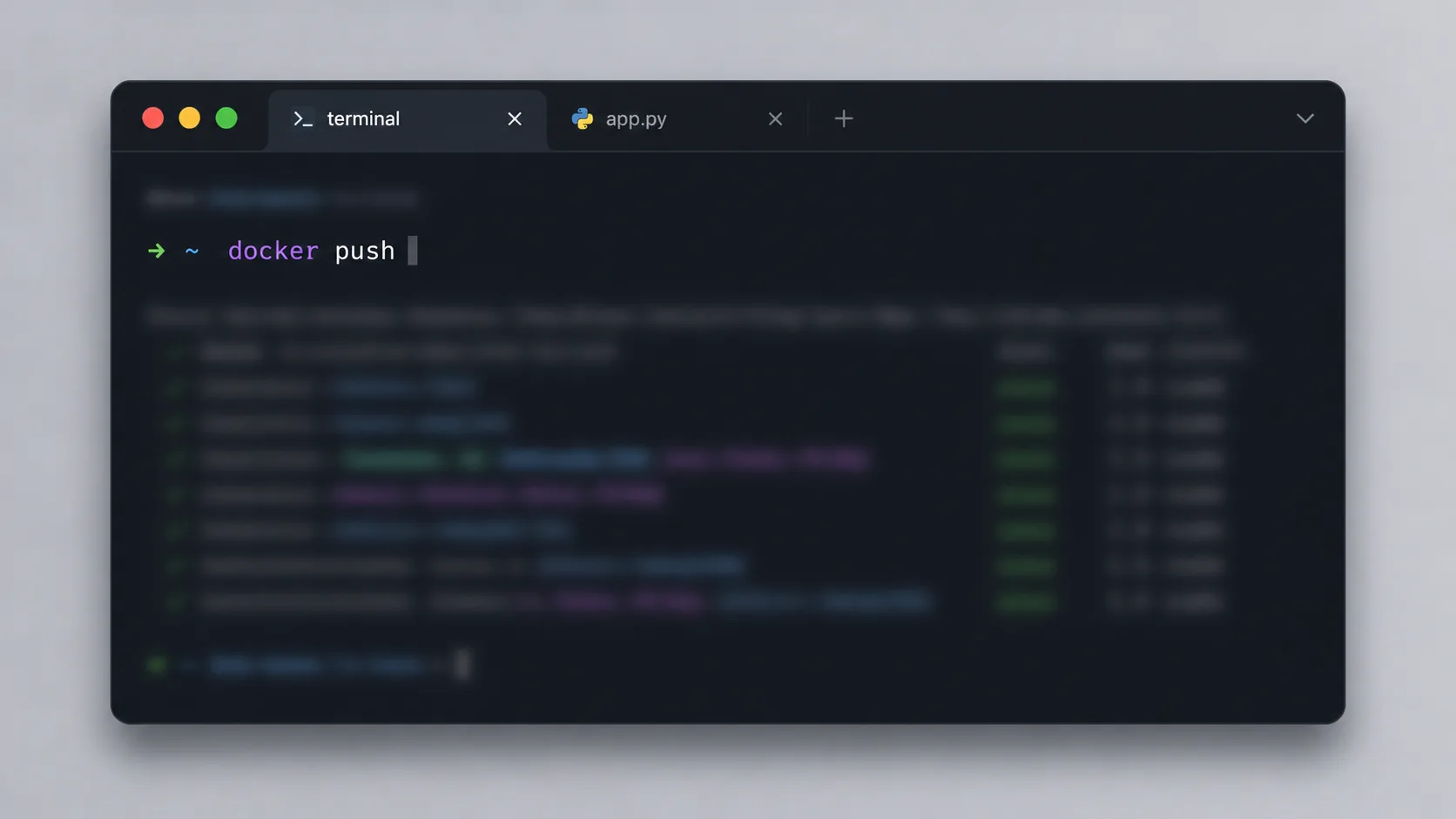
        run: docker push kayit-defteri.ornek.com/uygulama:${{ github.sha }}
needs: build-and-test satırı, bu işin yalnızca test aşaması başarıyla tamamlandığında çalışmasını sağlar. Parolayı doğrudan YAML dosyasına yazmak yerine secrets.REGISTRY_PASSWORD kullanmak kritik bir güvenlik adımı; GitHub, secrets olarak tanımlanan değerleri log çıktısında otomatik olarak maskeler. İmaj etiketini github.sha ile vermek, her build'in benzersiz ve izlenebilir olmasını sağlar.
İmajı ek olarak latest etiketiyle de gönderebilirsiniz, ama üretim dağıtımlarında yalnızca lateste güvenmek risklidir; hangi commit'in canlıda çalıştığını izlemek zorlaşır. Commit SHA'sına dayalı etiketleme, bir sorun çıktığında hangi kod değişikliğinin sorumlu olduğunu saniyeler içinde bulmanızı sağlar.
GitLab CI ile Aynı Pipeline
GitLab CI kullanıyorsanız tanım, depo kökünde .gitlab-ci.yml dosyasında yaşar:
stages:
  - test
  - build
  - deploy

test:
  stage: test
  script:
    - npm install
    - npm test

build:
  stage: build
  script:
    - docker build -t $CI_REGISTRY_IMAGE:$CI_COMMIT_SHA .
    - docker push $CI_REGISTRY_IMAGE:$CI_COMMIT_SHA
  only:
    - main
stages bölümü, işlerin hangi sırayla çalışacağını tanımlar; her aşama bir öncekinin başarıyla bitmesini bekler. only: main ifadesi, build aşamasının yalnızca main dalına yapılan push'larda tetiklenmesini sağlar ve feature dallarında gereksiz imaj build etmenizi engeller. GitLab, $CI_REGISTRY_IMAGE ve $CI_COMMIT_SHA gibi yerleşik değişkenleri otomatik sağlar.
deploy aşamasını ekleyip sunucuya SSH ile bağlanarak yeni imajı çekmesini sağlamak da yaygın bir örüntü:
deploy:
  stage: deploy
  script:
    - ssh $DEPLOY_USER@$DEPLOY_HOST "docker pull $CI_REGISTRY_IMAGE:$CI_COMMIT_SHA && docker compose up -d"
  only:
    - main
SSH anahtarını da bir secret olarak tanımlamanız ve before_script içinde ssh-agente yüklemeniz gerekir; anahtarı düz metin olarak depoya asla eklemeyin.
Dağıtım Stratejileri: Mavi-Yeşil ve Kademeli
En basit dağıtım yöntemi "yeniden oluşturma"da eski sürüm durdurulup yenisi başlatılır; basit ama kısa bir kesintiye yol açar. Mavi-yeşil dağıtımda iki özdeş ortam tutulur: biri (mavi) canlı trafiği alırken yeni sürüm diğerine (yeşil) dağıtılır ve test edilir. Her şey hazır olduğunda trafik anında yeşile yönlendirilir; sorun çıkarsa maviye geri dönmek saniyeler sürer.
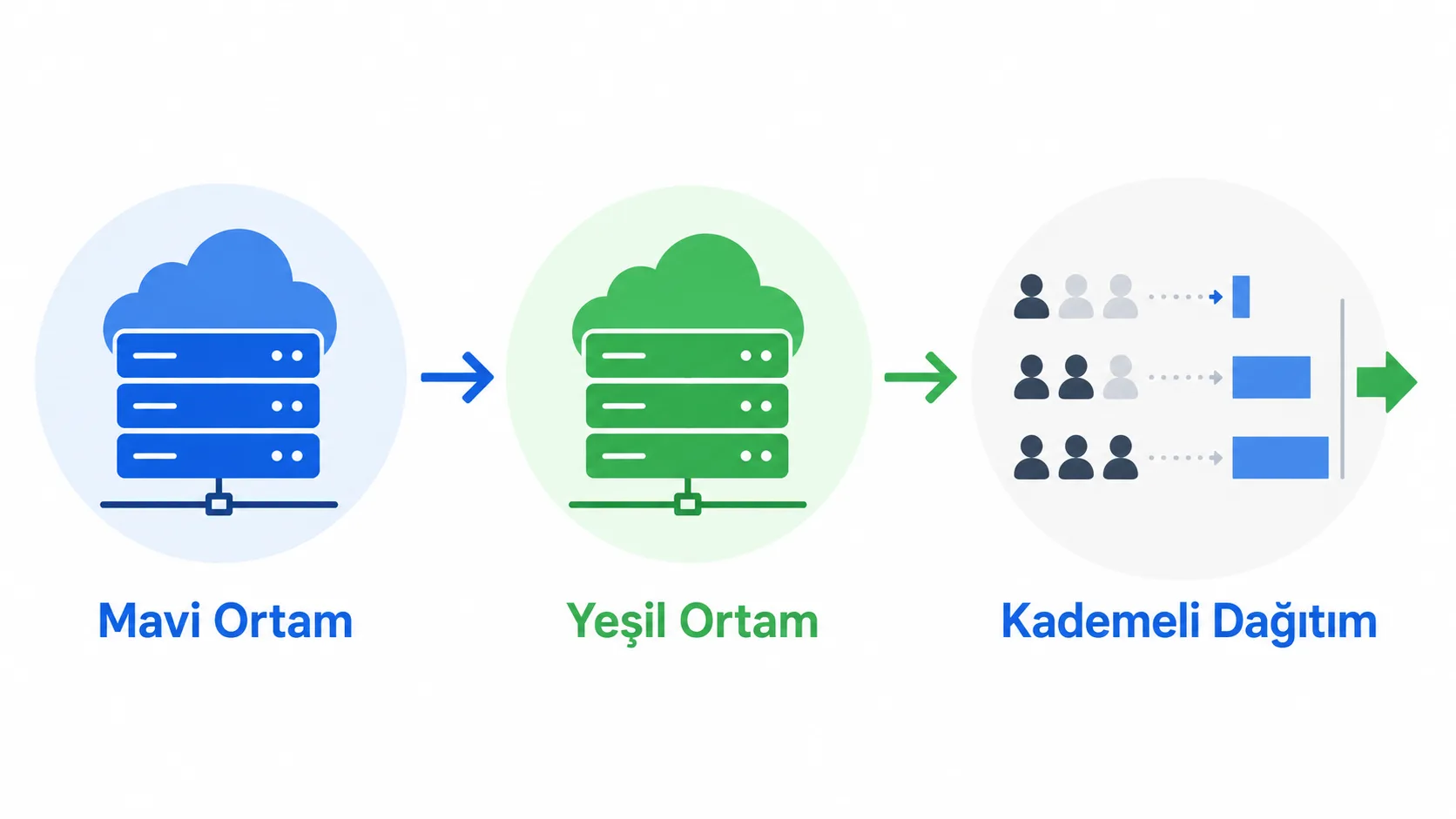
Kademeli (canary) dağıtım, yeni sürümü önce kullanıcıların küçük bir bölümüne sunar. Bu grupta her şey yolunda giderse sürüm kademeli olarak tüm kullanıcılara yayılır; bir sorun varsa etkisi sınırlı kalır. Kubernetes kullanan ortamlarda bu, Deployment kaynağının replicas sayısını kademeli artırarak veya bir servis mesh'i (Istio gibi) ile trafik yüzdesini kontrol ederek yapılır.
Hangi stratejiyi seçeceğiniz, uygulamanızın risk toleransına ve altyapınızın karmaşıklığına bağlı. Küçük bir iç araç için yeniden oluşturma yeterli olabilirken, milyonlarca kullanıcıya hizmet veren bir API için mavi-yeşil veya kademeli dağıtım neredeyse zorunlu hâle gelir.
| Strateji | Kesinti | Geri alma hızı | Karmaşıklık |
|---|---|---|---|
| Yeniden oluşturma | Var | Yavaş | Düşük |
| Mavi-yeşil | Yok | Anında | Orta |
| Kademeli (canary) | Yok | Hızlı | Yüksek |
Pipeline'da Sır (Secret) Yönetimi
Parolalar, API anahtarları ve sertifikalar YAML dosyasına asla düz metin olarak yazılmamalı. GitHub Actions'ta bu değerler depo ayarlarındaki "Secrets and variables" bölümünden tanımlanır ve ${{ secrets.ISIM }} sözdizimiyle çağrılır; bu mekanizmanın ayrıntılarını resmi belgelerden okuyabilirsiniz. GitLab'da aynı işlev "Settings > CI/CD > Variables" altında, "Masked" ve "Protected" seçenekleriyle yönetilir.
Parolalar dışında, .env dosyaları veya sertifikalar gibi dosya tabanlı sırlar da pipeline'a taşınmamalı. Bunun yerine bir sır yönetim aracı (HashiCorp Vault gibi) kullanarak çalışma zamanında enjekte etmek daha güvenli bir yaklaşım. Bağımlılıklardaki güvenlik açıklarını tarayan araçları pipeline'a eklemek de artık standart bir uygulama; npm audit gibi basit bir komut bile, üretime gitmeden önce bilinen zafiyetleri yakalayabilir:
npm audit --audit-level=high
Bu adımı pipeline'ın test aşamasına eklemek, güvenlik açıklarını sürecin başında yakalayan "shift-left" yaklaşımının basit bir uygulamasıdır. Statik kod analiz araçlarını da aynı aşamaya eklemek, kod kalitesi sorunlarını (kullanılmayan değişkenler, olası null referanslar) derlemeden önce yakalar.
Pipeline Performansını İzlemek
Bir pipeline'ın etkili olup olmadığını dört metrik üzerinden değerlendirebilirsiniz. Dağıtım sıklığı, ekibin ne kadar sık üretime sürüm yayınladığını gösterir; yüksek performanslı ekipler günde birkaç kez güvenle dağıtım yapabilir. Değişiklik teslim süresi, bir kod değişikliğinin yazılmasından üretime ulaşmasına kadar geçen zamanı ölçer.
Başarısız dağıtım oranı, üretime giden değişikliklerin ne kadarının soruna yol açtığını gösterir; düşük bir oran, sağlam testlerin ve güvenilir bir sürecin işaretidir. Kurtarma süresi ise bir sorun oluştuğunda sistemin ne kadar hızlı normale döndüğünü ölçer; hızlı kurtarma, bir önceki bölümde ele alınan mavi-yeşil veya kademeli dağıtım stratejilerinin doğrudan sonucudur.
GitHub Actions ve GitLab CI, her pipeline çalıştırmasının süresini ve sonucunu otomatik kaydeder; bu geçmişi düzenli incelemek, hangi aşamanın yavaşladığını veya sık başarısız olduğunu görmenizi sağlar. Bu dört metriği aylık takip etmek, pipeline'ı sezgiyle değil veriyle iyileştirmenin en pratik yolu.

Yazan Celil Uyanikoglu
Bilgisayar mühendisiyim; 25 yılı aşkın süredir bilgi işlem sektörünün içindeyim. Bu blogu 2020'de, işimde her gün karşılaştığım sorunların çözümlerini bir yere yazmak için açtım: Linux, güvenlik, tarayıcılar, yapay zeka araçları. Yazdığım her rehberi önce kendi bilgisayarımda ya da sunucumda deniyorum; çalıştığını görmediğim adımı yayınlamam. Hatalı ya da eskimiş bir şey görürsen iletişim sayfasından yaz — düzeltirim.



Henüz yorum yok.
Sohbete katıl. Yorumlar yayınlanmadan önce moderasyondan geçer.